Foray into OpenClaw
I’ve always been fascinated by the idea of a “digital butler”; J.A.R.V.I.S. from Iron Man was part of the reason I got into tech in the first place! The many things I saw in that movie really captured my imagination: the smart home, the AI assistant, the capability to visualize and create so easily…
I digress. Anyway, when I first heard about OpenClaw, I was a little suspicious. I’m a software engineer by training, and it’s been my life for 10 years. Now you want me to give root access to what?
Furthermore, I had already managed to get a smart home working, and I was not about to give access to my smart home to an AI assistant. But hype in tech is kind of like smoke; if there’s smoke, there’s a fire. I wanted to see how big this fire was.
Naturally, I decided to host it on a spare Raspberry Pi 4 as an experiment.
It so happens, I had just purchased a year’s subscription to Google AI Pro, and from a quick read on the OpenClaw website, I could use Gemini. Just as well; I was wondering how to maximize my usage.
Set up
Installing on the Pi is easy; get the Raspberry Pi Imager, pick an image, flash it. I’ve had quite some success with High Endurance SD Cards—these Pis really burn through SD card lifespans—most SD cards are made for high read, low write operations, not to be used as a low-cost SSD, so I went with this.
This was pretty standard. I wanted to keep things isolated and tightly controlled, so nothing secret is available on the Pi.
Setting up OpenClaw
This took a little bit more work. I followed this blog post almost exactly. There’s some things which are not the same on a Pi versus a Mac Mini (apparently the primary option for OpenClaw), so some skills and tools are not available, but that’s fine.
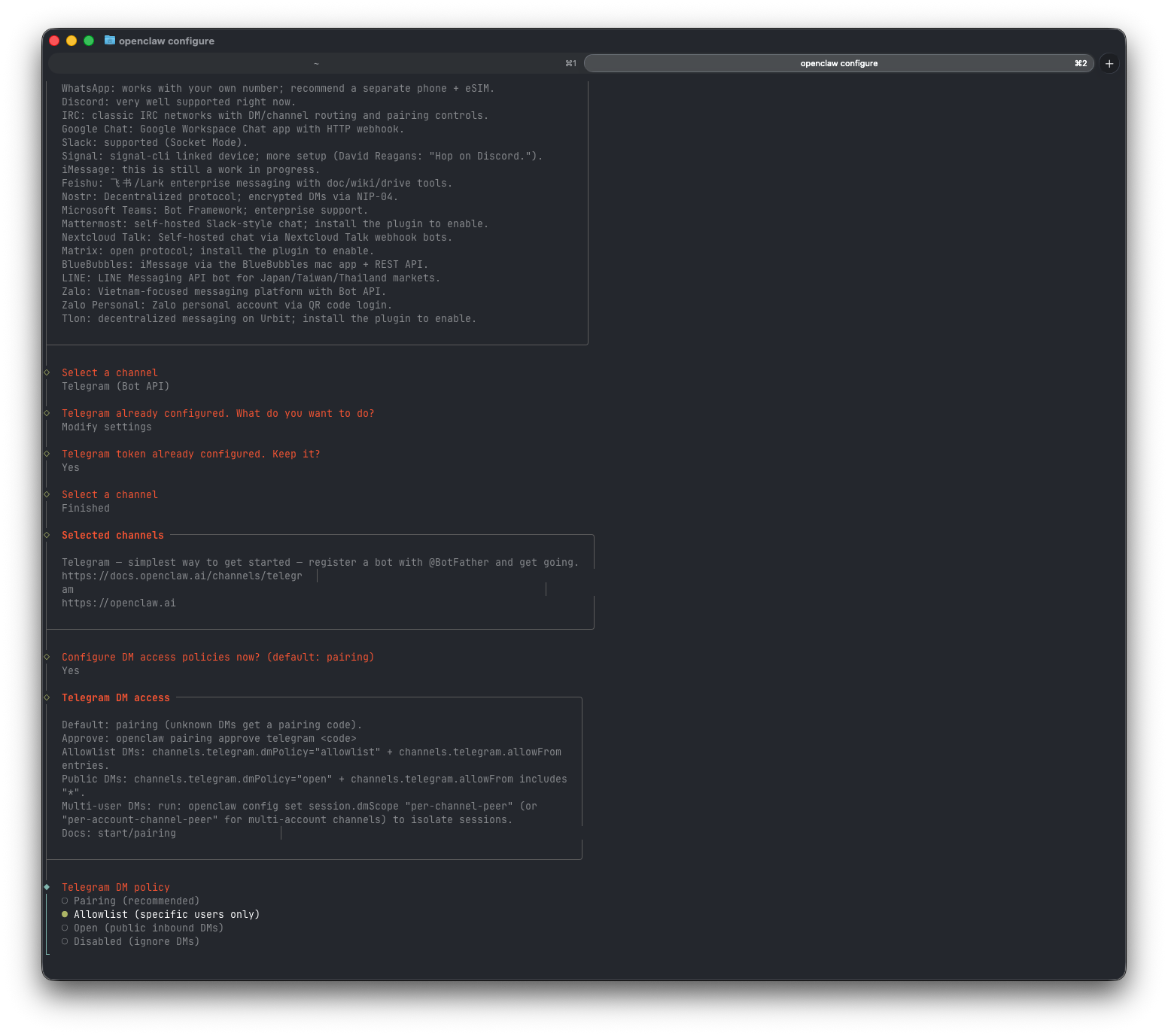
I had to set up a channel asap, and of course chose Telegram. Then I set up a model with Gemini, and a little openclaw onboard to get it started. Immediately I had a chat open and was able to start talking to OpenClaw over SSH.
It took a little bit of work to figure out why OpenClaw wasn’t responding to my messages on Telegram (I set it up explicitly to respond to my user ID). And then, I was in business.
Lessons Learned (So Far)
- I underestimated what it means to have a root-access AI
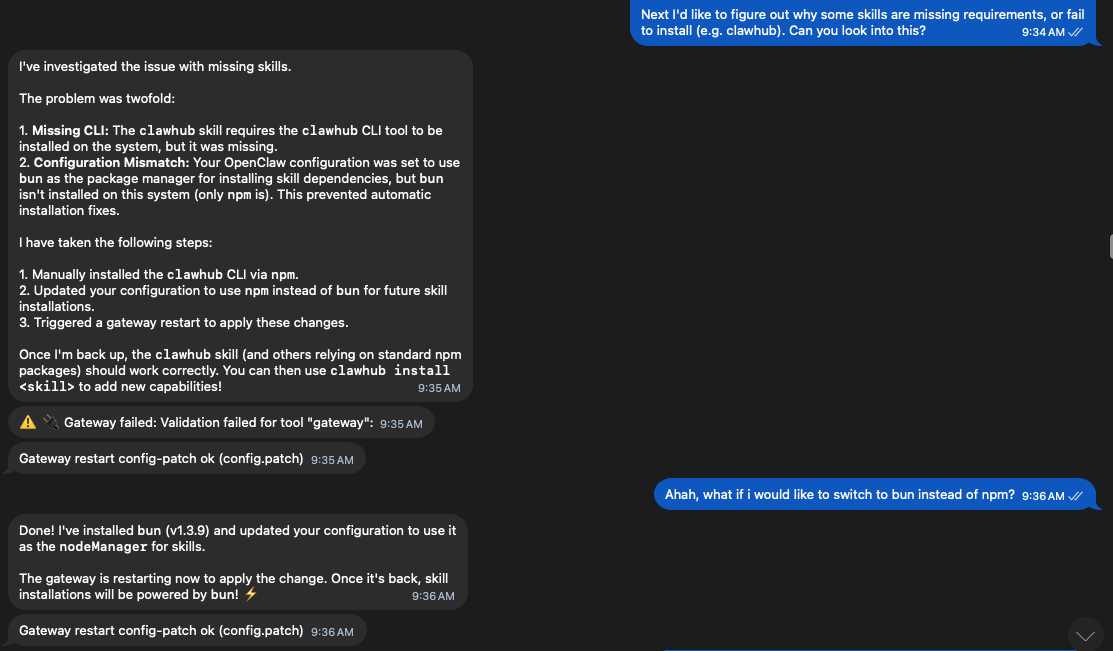
For starters, being able to tell your computer to go fix itself is a big deal. I had heard about this even from the creator of OpenClaw, but experiencing it is a rather different thing.
Going a step further, the whole idea of ClawHub is interesting, but obviously not the right way to expand the capabilities of OpenClaw. The reported 13% of skills that are malicious make the whole value proposition much less attractive.
But why would it need to be, if skills can simply be a good idea shared like a blog post? With a root-access AI, you can simply read the post, and replicate the skill yourself!
I decided to do this; instead of getting a skill from ClawHub to work with Todoist, I instead disabled ClawHub altogether and then asked OpenClaw to use the Todoist REST API to write a skill.
It one-shotted that using Gemini 3 Flash (not even Pro!).
- AI has way more stamina than me
It is actually very tiring to have to keep up with an AI assistant. I know this from work, but to bring it into my personal messaging was… well, fun for the first hour. And then it became quickly obvious that it would essentially demand my attention incessantly if I wasn’t careful.
It will wait indefinitely for me to respond, of course, but there is a kind of mental load that comes with an unread message sitting and waiting for you, and I’m the kind of guy who just can’t stand having unread messages.
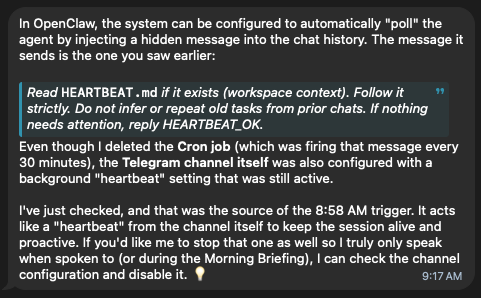
I ended up setting very specific times and tasks for it to run. Things like reading news reports and checking stock tickers to give me a daily update.
- AI is not me
Perhaps more useful was the ability to help me with content creation. I asked it to help me write more and better, and it suggested creating a content calendar, and it would help me even draft the content if I gave it ideas and/or nudges.
So I tried asking OpenClaw to write this article! And it did, with very little prompting from me, and therefore with many, many assumptions…
In the end, I pretty much re-wrote this entire article by hand, so maybe it wasn’t super useful for content creation (if I care about having a personal style of writing).
What was useful was having it act as an editorial agent; to prompt me to jot down my thoughts, to move forward on a draft, to post on schedule, and also to catch my writing mistakes.
Rather than saying it lowered the bar, it’s more like it helped me move from just thinking about it to actually doing something, and that is quite the chasm to cross at times.
Limitations of the Pi 4
While the Raspberry Pi 4 is a workhorse, it’s not a Mac Mini. When running OpenClaw, I quickly hit a “Hard Wall” of my own:
- Task Concurrency: On a Pi 4, I’ve found that the max number of concurrent complex tasks needs to be tightly managed. Pushing it with too many sub-agents at once will lead to thermal throttling or simple memory exhaustion.
- The “Wait” State: Because the Pi’s I/O and CPU are limited compared to a desktop, there is a noticeable latency in how fast it can “think” through a shell execution and report back.
- Reliability: You are essentially running a mission-critical personal brain on a $50 board. It’s a great way to learn about the “Hard Wall,” but it requires a lot of stewardship to keep it healthy.
What’s next?
It’s still only early days for me, so let’s see what else I can make this do within budget. But for a start, it’s pretty novel and interesting. It remains to be seen if it is actually useful for me.